Plain Paint
A simple drawing app for iPad. It opens straight to a blank canvas, with no layers and no setup.
Coming soon to the App Store.
What it does
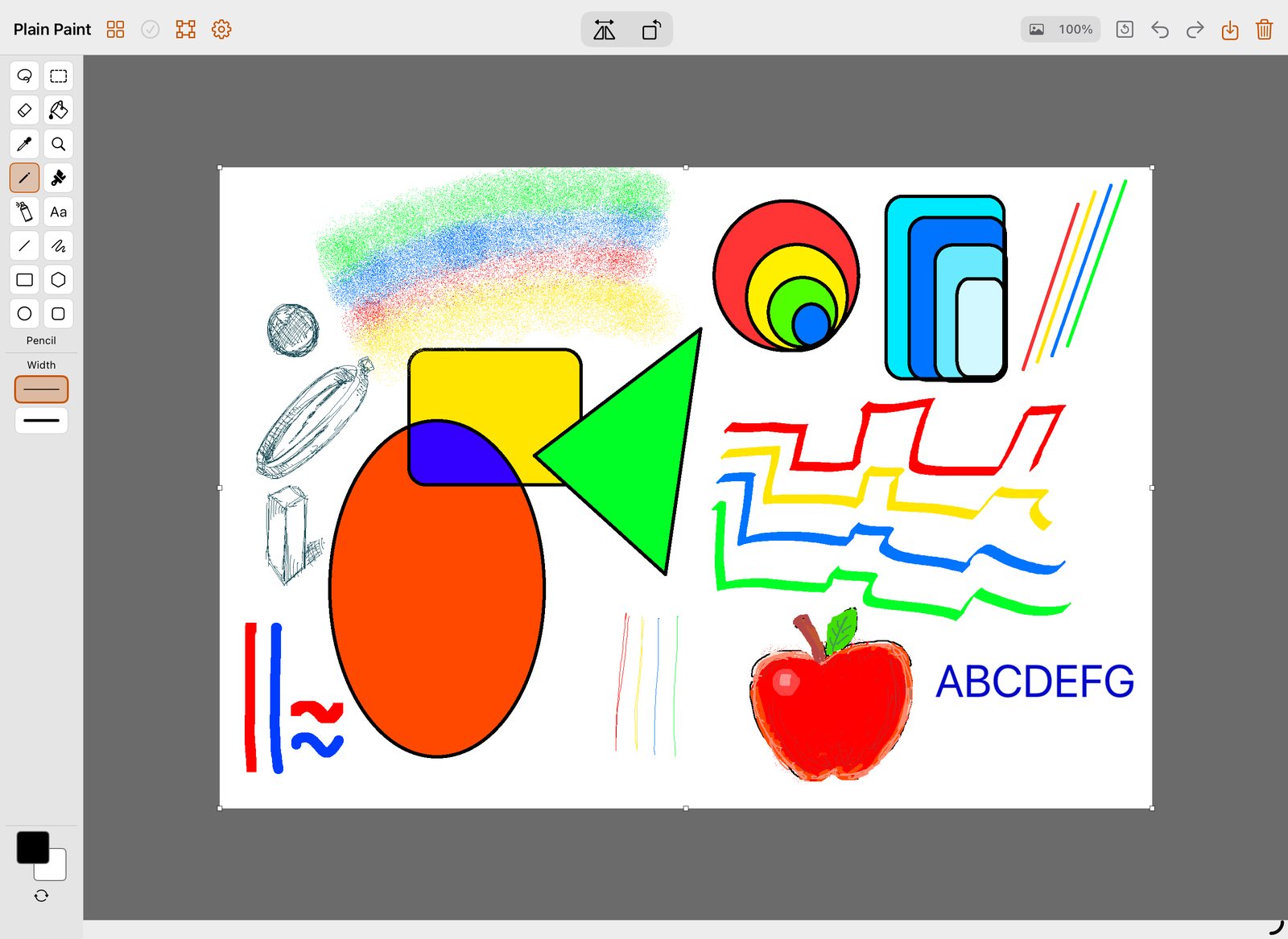
- 16 toolsFree-form select, select, eraser, fill, eyedropper, magnifier, pencil, brush, airbrush, text, line, curve, rectangle, polygon, ellipse and rounded rectangle.
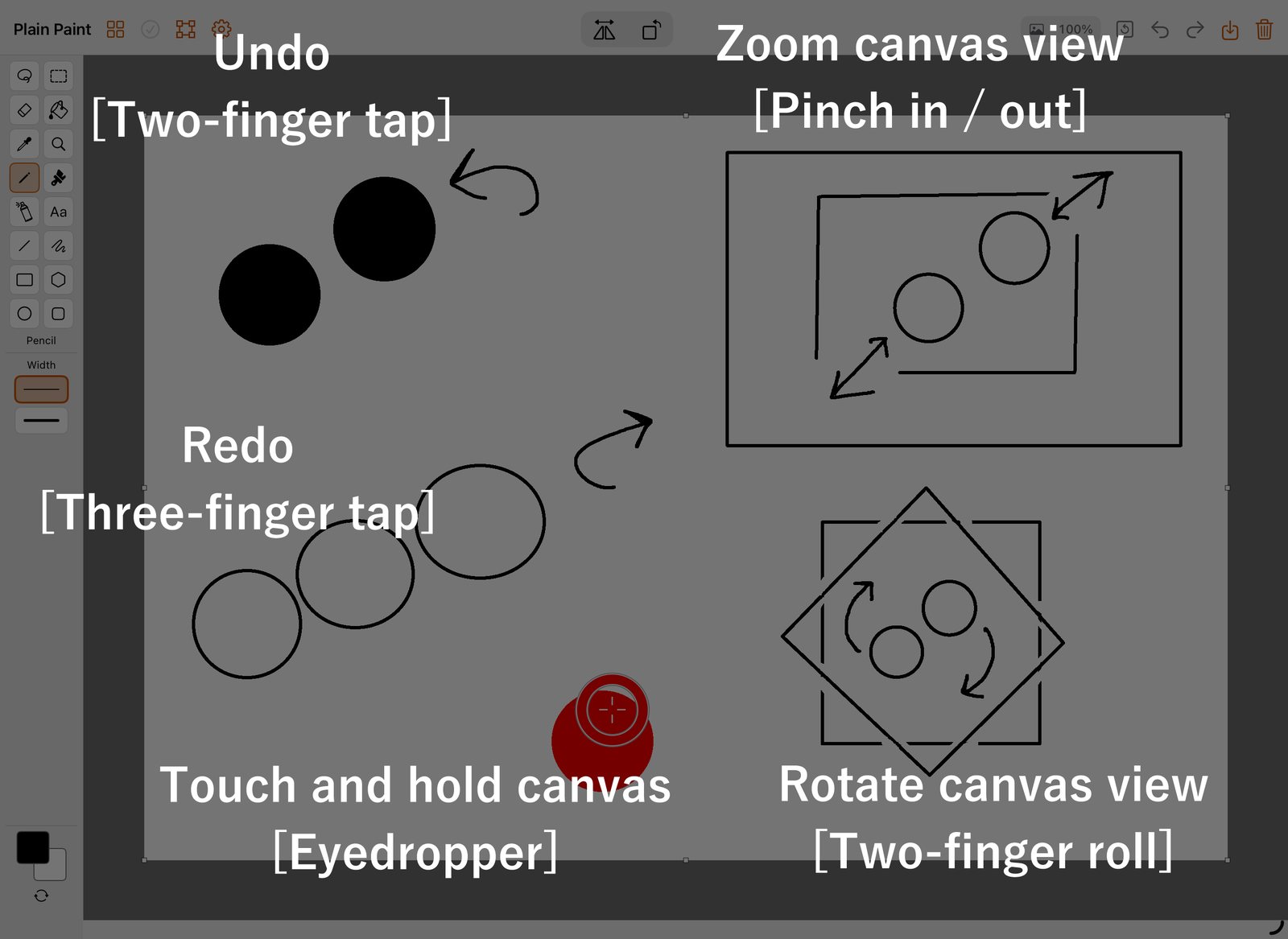
- GesturesTap with two fingers to undo, three fingers to redo. Pinch to zoom, twist to rotate, touch and hold to pick a color.
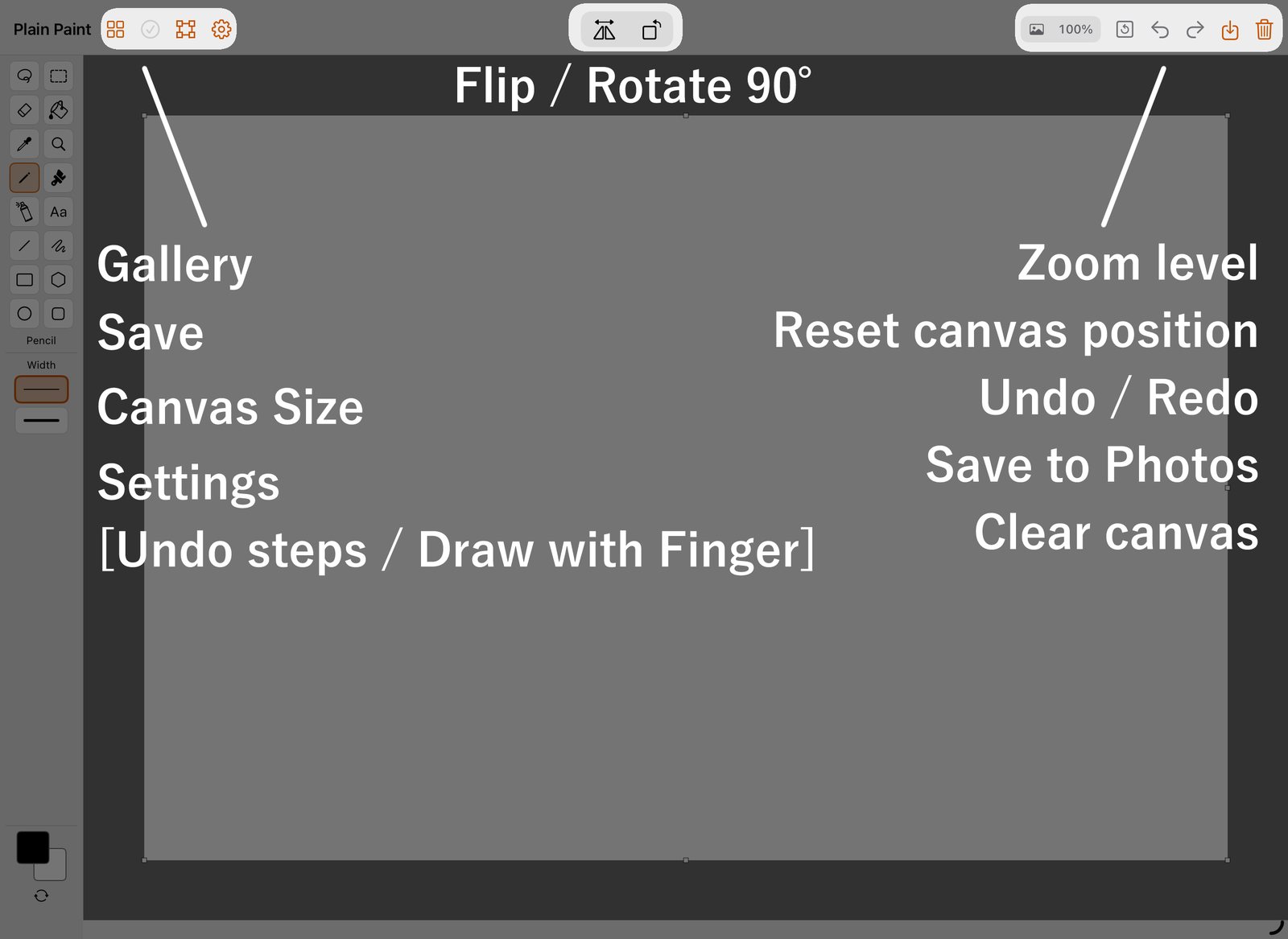
- Automatic savingYour drawing saves itself. The checkmark in the top bar shows whether everything is saved.
- Apple Pencil supportYou can draw with a finger too. To draw with the Pencil only, turn off Draw with Finger in Settings.
- Save to PhotosSend any drawing to your photo library with one tap.
How to use it
Requirements
- iPadOS 17.0 or later
- iPad only
- Apple Pencil supported (drawing with a finger also works)